How to Track Trucking Mileage Correctly for IFTA Reporting

IFTA reporting becomes difficult when mileage and fuel records are incomplete, inconsistent, or stored in several places. The best time to organize IFTA data is not at the end of the quarter. It is every week. A simple, repeatable process reduces corrections and gives the carrier a clearer picture of operating costs.
Track Movement by Jurisdiction
Carriers should maintain reliable trip information that shows where the truck traveled and how many miles were accumulated in each jurisdiction. Records may come from ELD data, GPS reports, trip sheets, odometer readings, or other business systems. The important part is consistency and the ability to support the totals used in the return.
Review routes for missing state or provincial mileage, unexplained jumps, and duplicate trips. A map of the route can help identify jurisdictions crossed between pickup and delivery.
Organize Fuel Documentation
Fuel receipts should be legible and connected to the correct vehicle and reporting period. Capture the purchase date, location, quantity, fuel type, and vehicle or unit information when applicable. Keep a routine for collecting receipts from drivers before they are lost.
Compare fuel purchases with vehicle activity. Unusual patterns can reveal missing receipts, incorrect unit assignments, or data-entry errors that should be resolved before filing.
Reconcile Before the Deadline
Set a weekly review day and a monthly reconciliation. Confirm total fleet miles, jurisdiction miles, fuel purchases, and unit assignments. Document corrections so the company can explain why a number changed. This is much easier than reconstructing three months of activity at the filing deadline.
Turn Records Into a Business Tool
Accurate mileage data supports more than IFTA. It can help evaluate lanes, fuel efficiency, deadhead, and operating cost. When records are clean, the owner can make better decisions about pricing and performance.
Build stronger back-office and dispatch skills with Dispatch Training Center at https://www.learndispatchtoday.com/
DTC Visual Guide: Accurate IFTA Mileage Tracking
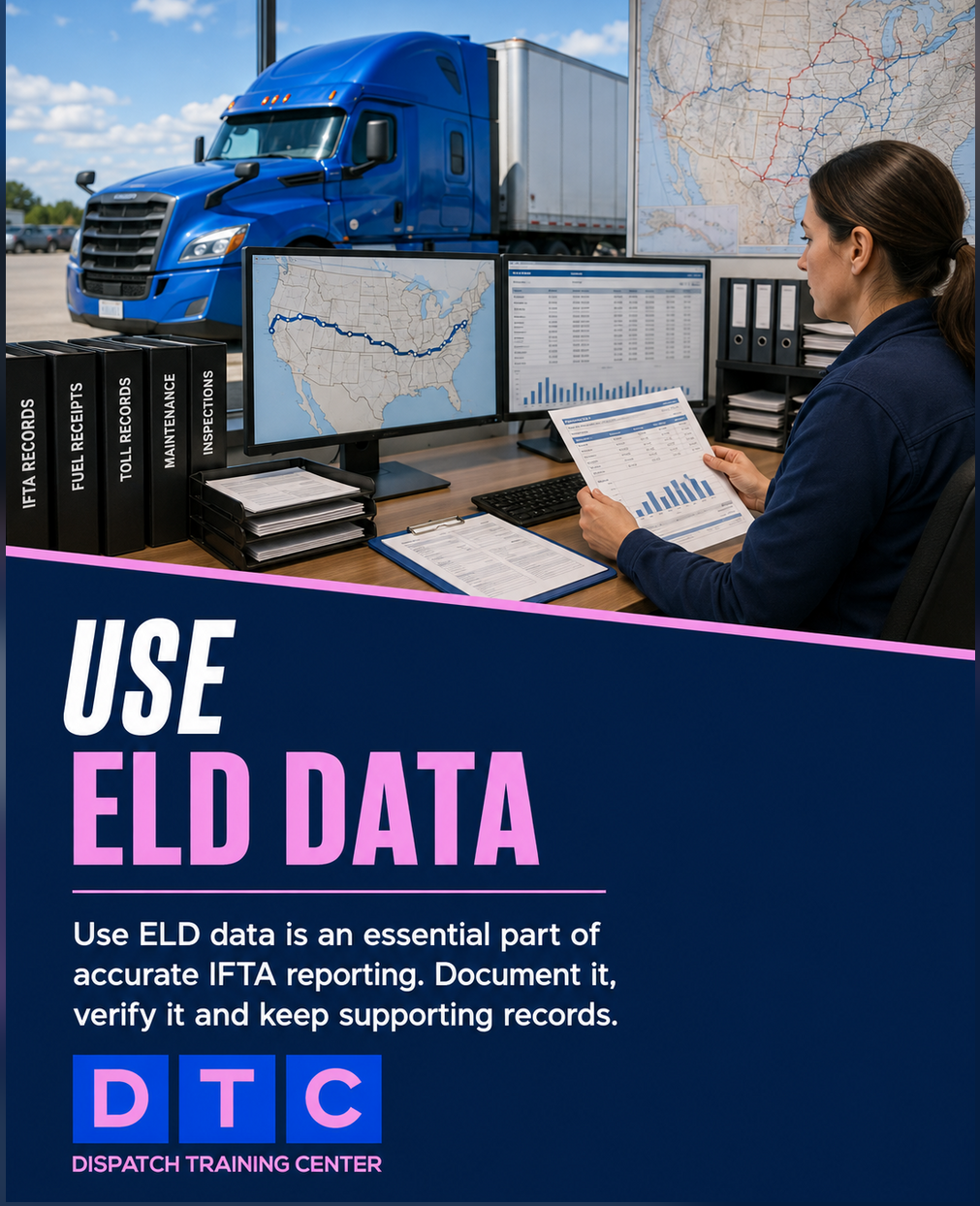
Use this eight-slide IFTA workflow to document state crossings, use ELD data, verify routes, match odometer totals, and correct errors early.




Comments